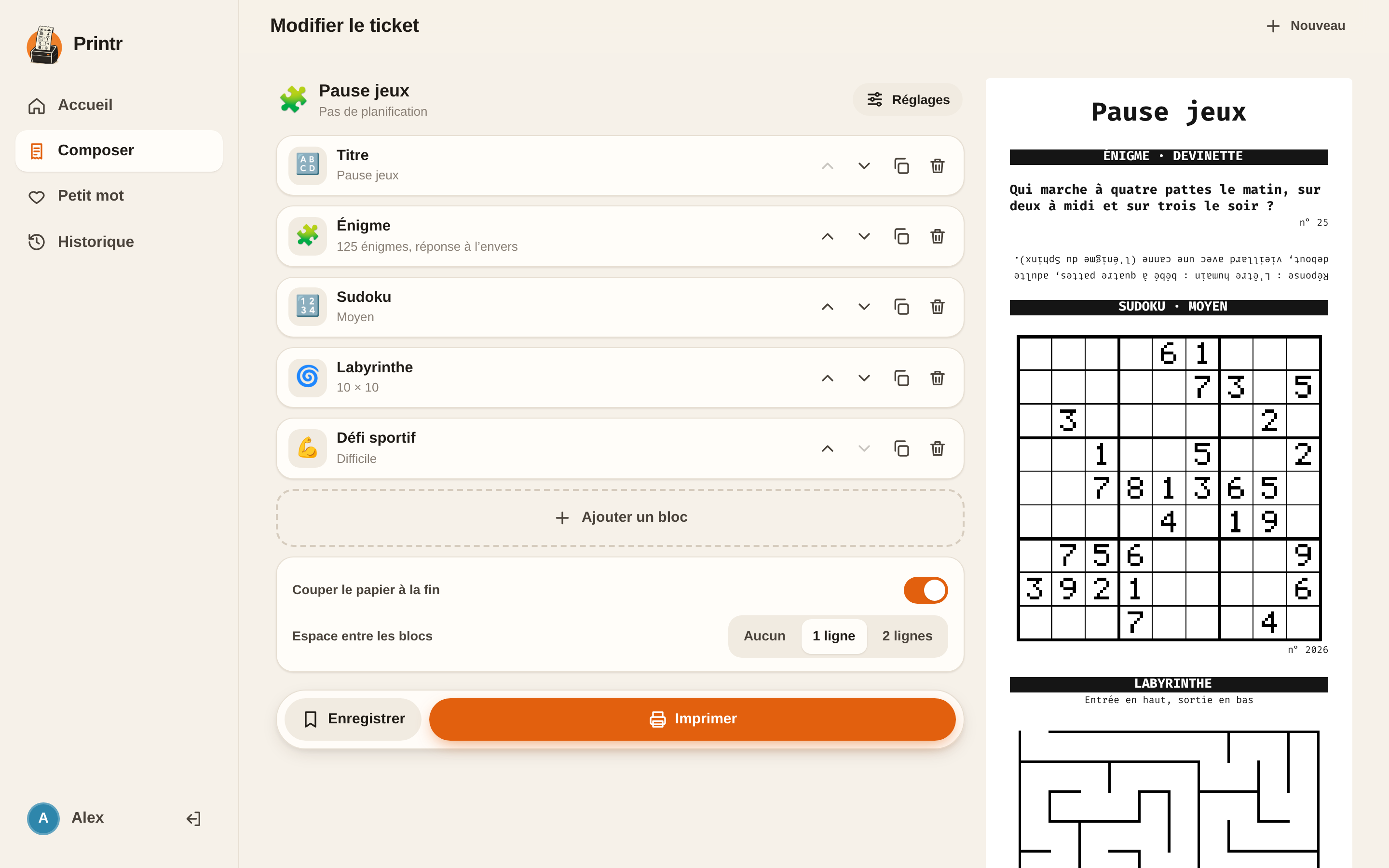
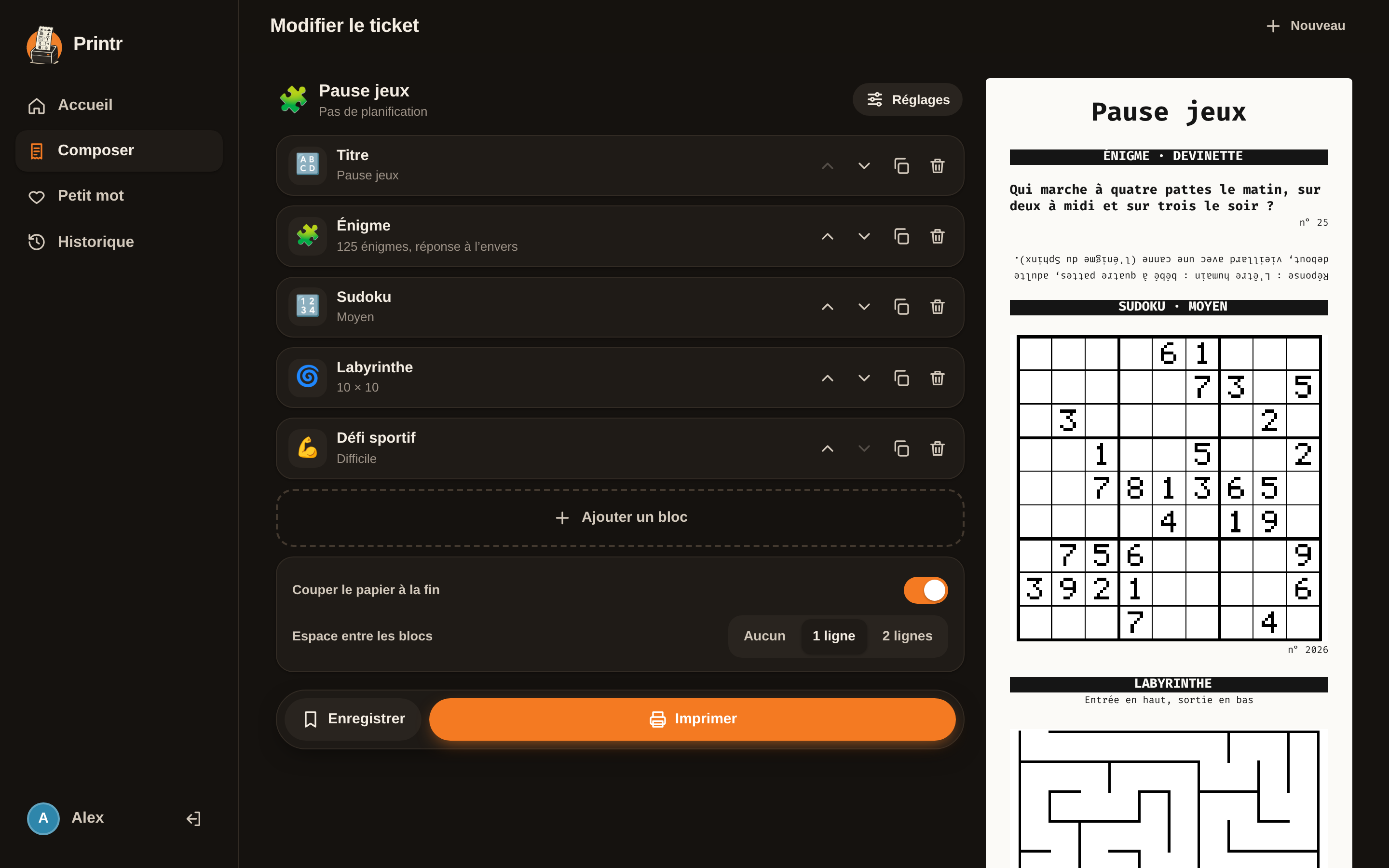
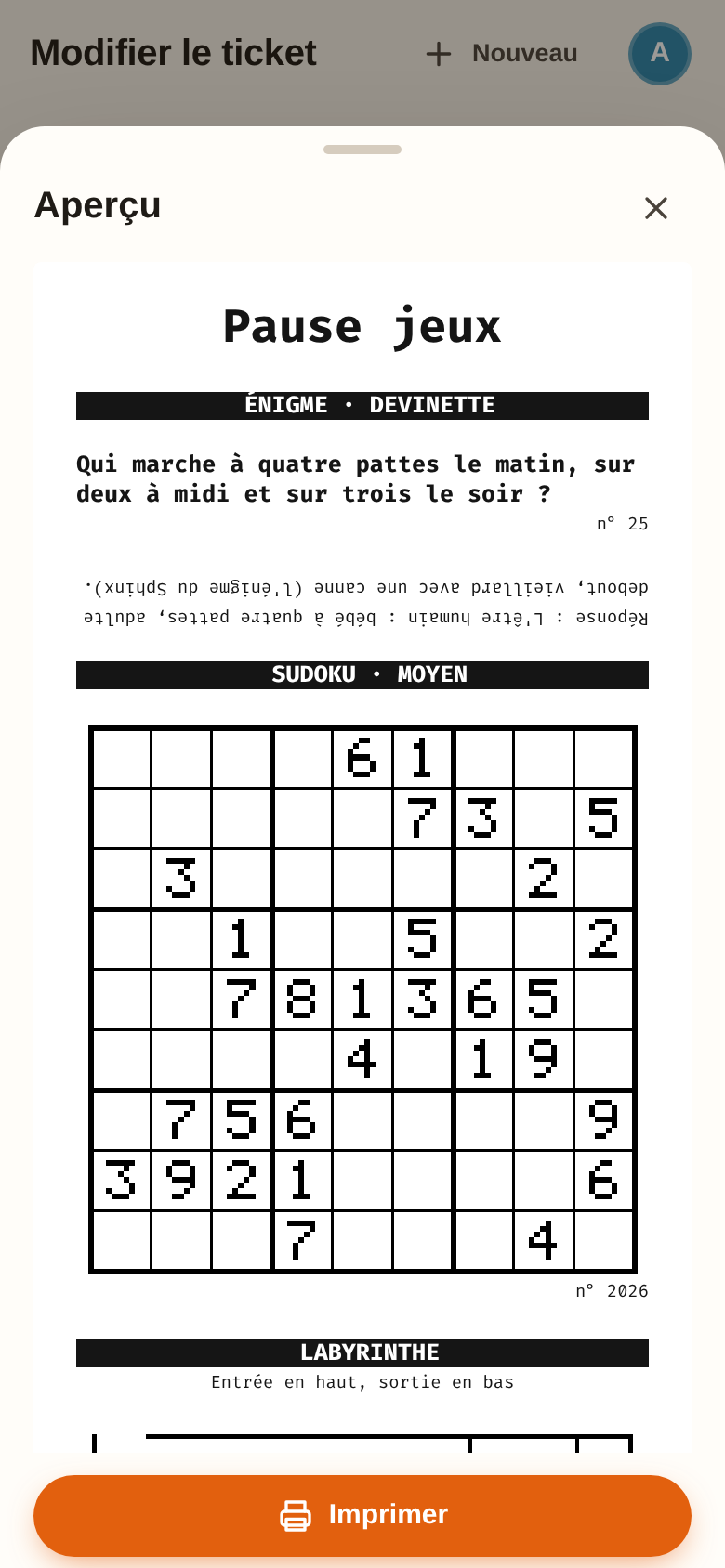
Printr transforme une imprimante à tickets en gadget familial. On compose son ticket avec la météo, un horoscope, un sudoku, une énigme ou les actualités, on l'imprime depuis son téléphone ou on le planifie pour 7 h 30… et on envoie une photo à ceux qui sont restés à la maison.
Printr turns a thermal receipt printer into a family gadget. Build a ticket from the weather, a horoscope, a sudoku, a riddle or the news, print it from your phone or schedule it for 7:30 am… and send a photo to whoever stayed home.
Météo, ciel du soir, horoscope, agenda, liste de courses, recettes, sudoku, mots croisés et fléchés, logimage, mots mêlés, voie ferrée, coloriage, énigmes, bons à offrir, actualités, photos, QR codes…
Weather, tonight's sky, horoscope, calendar, shopping list, recipes, sudoku, crosswords and arrow words, nonograms, word searches, train tracks, coloring pages, riddles, gift coupons, news, photos, QR codes…
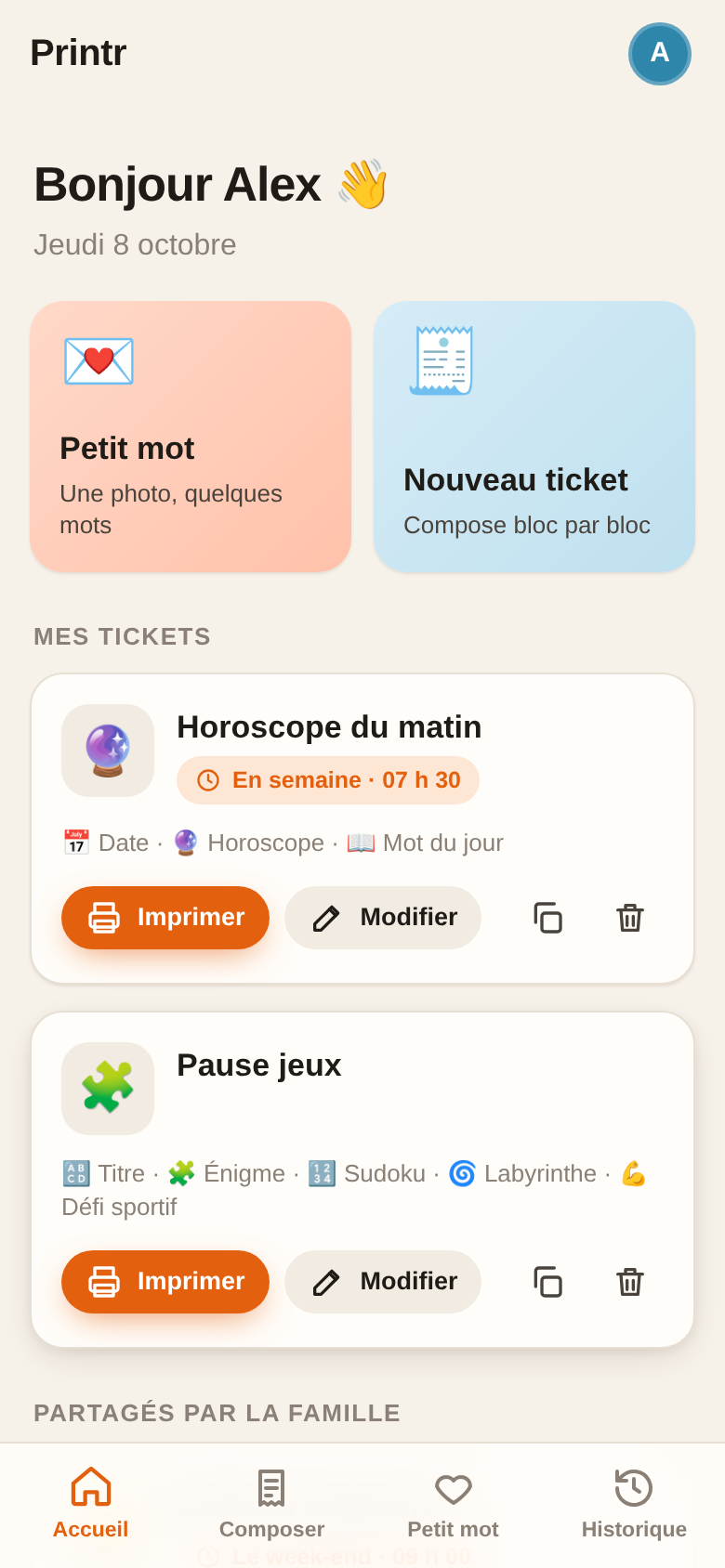
Chacun son compte, ses tickets enregistrés, et ceux qu'on partage. Aperçu en direct, pensée pour le téléphone.
Everyone gets an account, saved tickets, and shared ones. Live preview, designed for phones first.
« L'horoscope en semaine à 7 h 30 », « le brief du week-end à 9 h ». Imprimante éteinte ? Le ticket attend son retour, et l'appli le signale.
“Horoscope on weekdays at 7:30”, “weekend brief at 9:00”. Printer off? The ticket waits for it to come back, and the app says so.
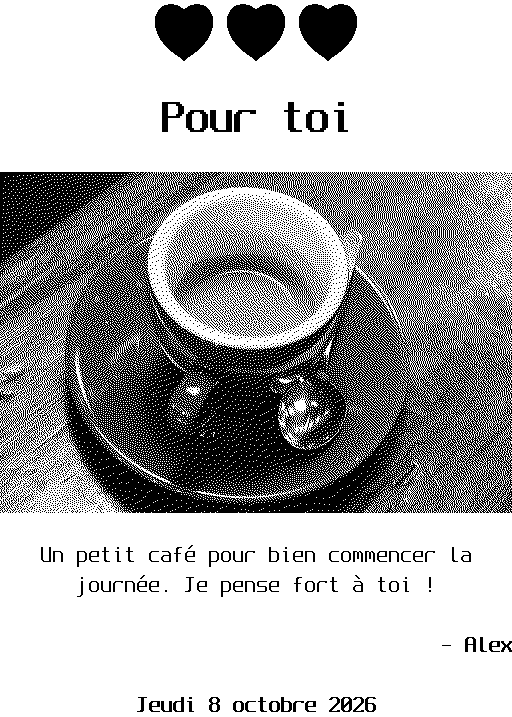
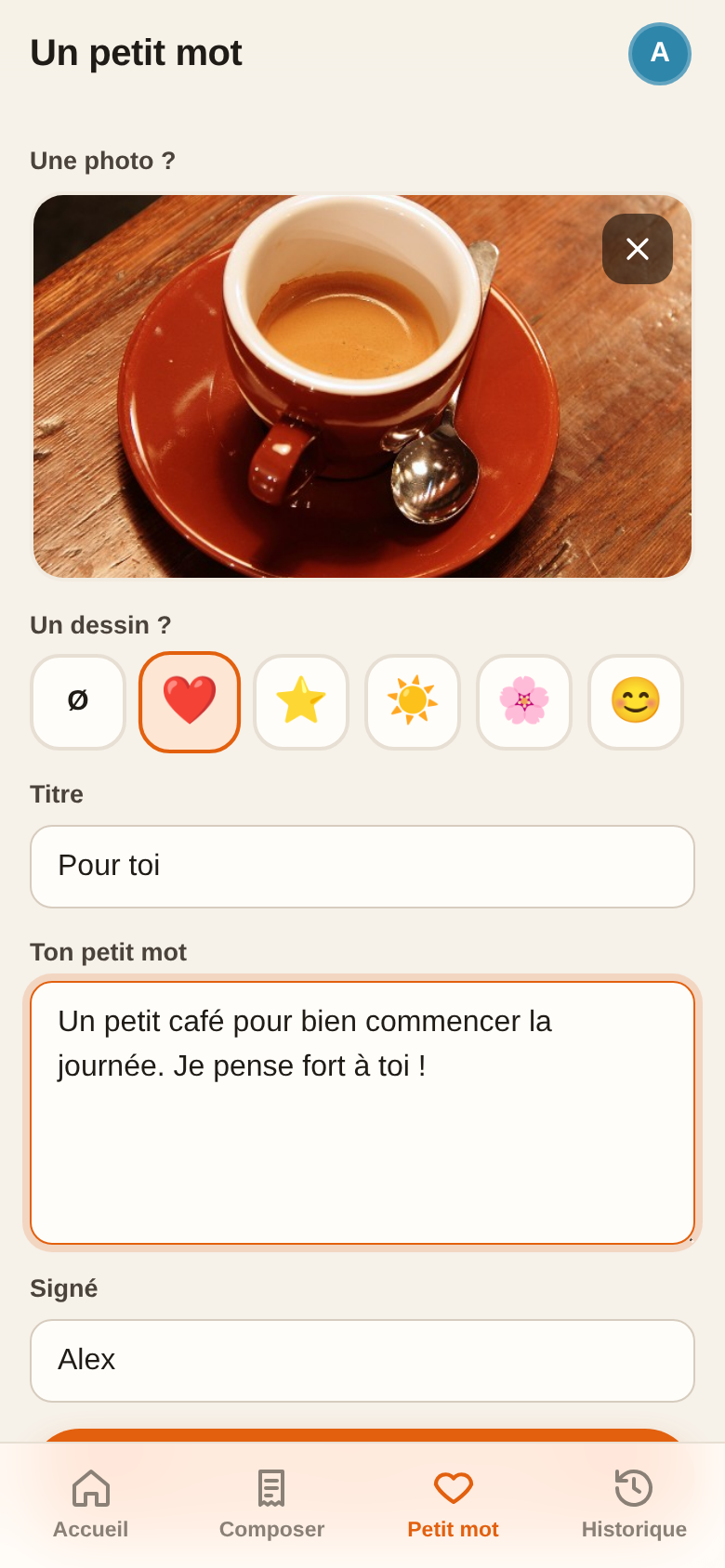
Une photo prise avec le téléphone, un cœur dessiné, quelques mots : ça sort à la maison, tramé en noir et blanc.
A photo from your phone, a hand-drawn heart, a few words: it prints at home, dithered in black and white.
Presque tout est local et gratuit : RSS, énigmes, sudoku, mots mêlés, ciel du soir, calendrier. Claude n'écrit que ce qui demande une plume : horoscope, mot du jour, définitions des grilles, recettes à la demande, toujours mis en cache.
Almost everything is local and free: RSS, riddles, sudoku, word searches, tonight's sky, calendar. Claude only writes what needs a pen: horoscope, word of the day, puzzle clues, recipes on demand, always cached.
ESC/POS natif pour l'Epson TM-T88V, sur un Raspberry Pi. CLI soignée, serveur, planificateur et interface web dans le même exécutable, en français ou en anglais. API HTTP, MQTT et nœuds Node-RED pour la domotique.
Native ESC/POS for the Epson TM-T88V, on a Raspberry Pi. Polished CLI, server, scheduler and web app in one executable, in English or French. HTTP API, MQTT and Node-RED nodes for home automation.
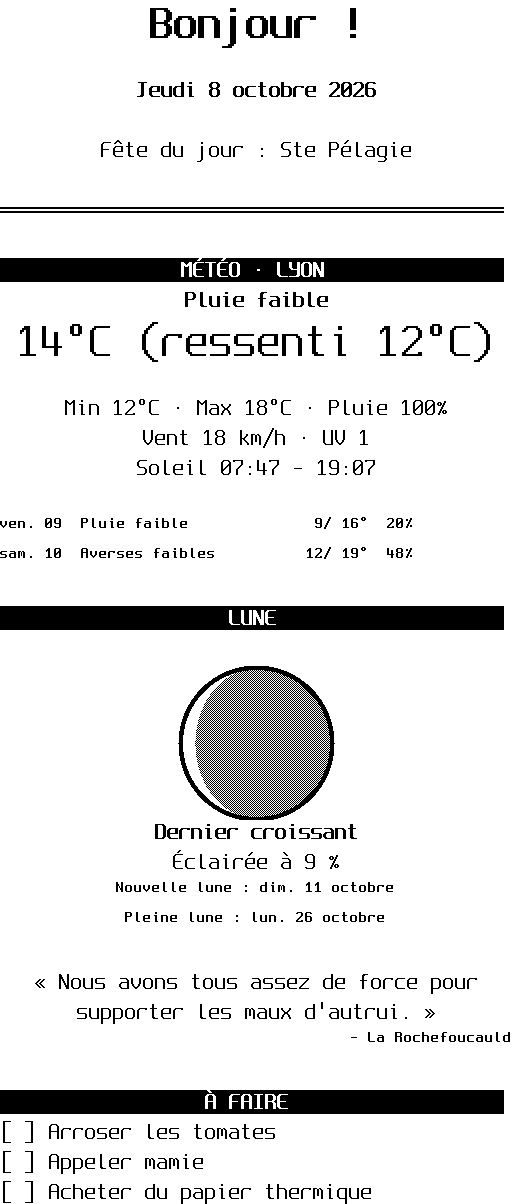
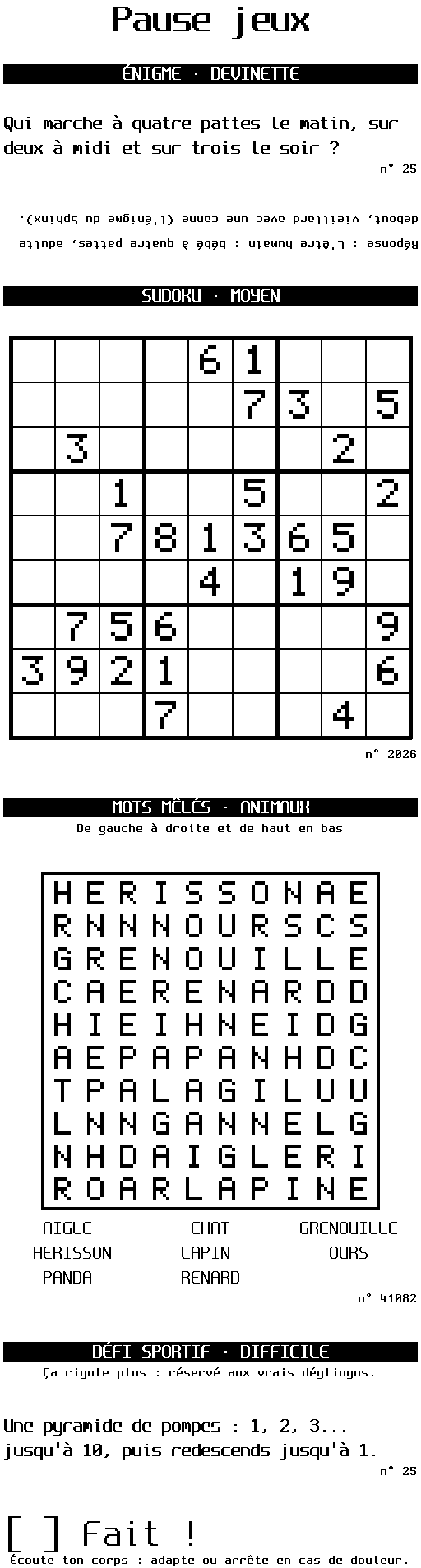
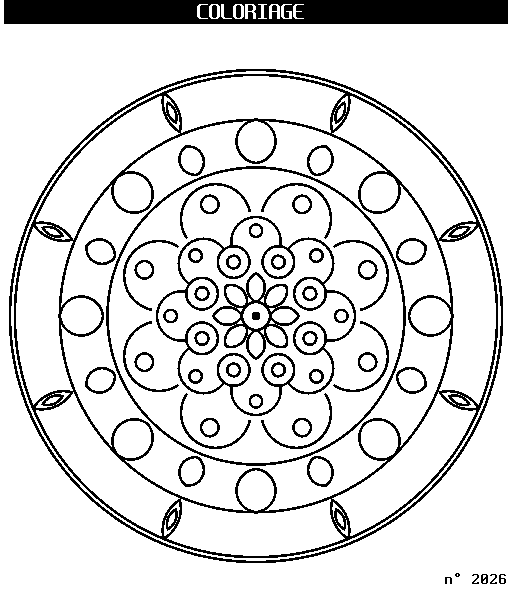
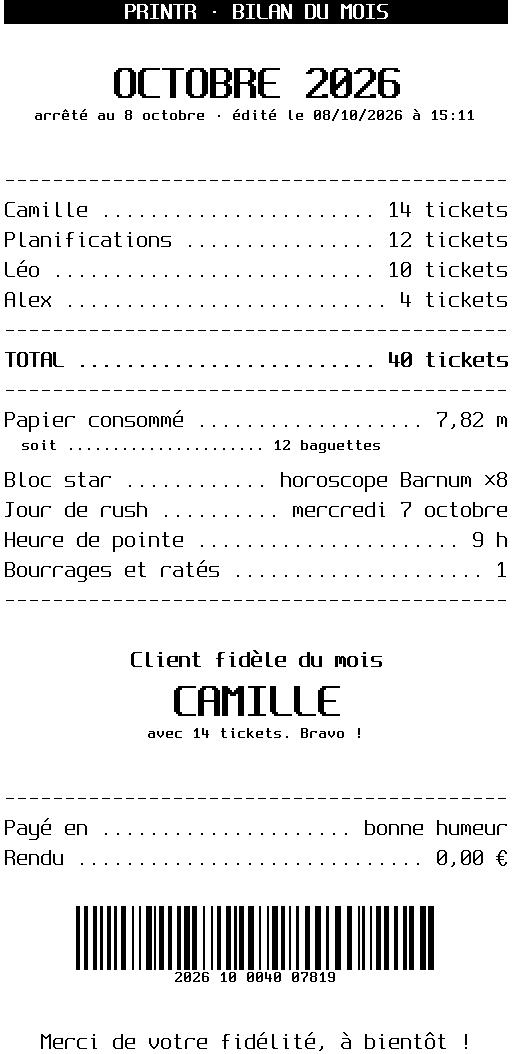
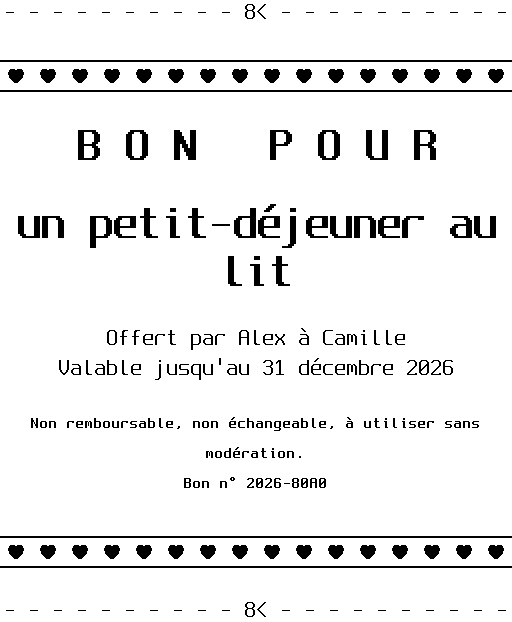
Ces images sont produites par l'émulateur de la TM-T88V, à partir des octets ESC/POS exacts envoyés à l'imprimante : 512 points de large, 180 dpi.
These images come from the TM-T88V emulator, fed with the exact ESC/POS bytes sent to the printer: 512 dots wide, 180 dpi.


Rédigé chaque jour par Claude, sur un thème tiré au hasard pour ne jamais se répéter. Et pour un horoscope gratuit et hors ligne, calculé sur le vrai ciel, le bloc « Horoscope » s'appuie sur Barnum. Extraits authentiques des tons de Claude :
Written daily by Claude, on a random theme so it never repeats. For a free, offline horoscope computed from the real sky, the “Horoscope” block relies on Barnum. Genuine excerpts from Claude's tones (in French):
Chaque bloc en image, avec son exemple →Every block as printed, with its example →
Les blocs entourés d'orange utilisent Claude Haiku : un petit appel par jour, mis en cache, avec une clé API ou ton abonnement Claude (par la CLI Claude Code). Tout le reste est local ou passe par des API gratuites et sans clé (Open-Meteo, Wikipédia, CoinGecko).
Orange-outlined blocks use Claude Haiku: one small call per day, cached, with an API key or your Claude subscription (through the Claude Code CLI). Everything else is local or uses free, keyless APIs (Open-Meteo, Wikipedia, CoinGecko).
Chaque bloc se règle à la souris ou au doigt, et l'aperçu montre le ticket tel qu'il sortira. Les blocs Claude ne coûtent rien en aperçu : ils ne sont rédigés qu'à l'impression.
Tune every block with a mouse or a finger, and the preview shows the ticket exactly as it will print. Claude blocks cost nothing in preview: they are only written at print time.


L'image prête à flasher de la dernière version, pour Raspberry Pi 3, 4, 5 et Zero 2 W, s'écrit avec Raspberry Pi Imager (« Use custom »). Raspberry Pi OS et Printr, déjà installés.
The ready-to-flash image of the latest release, for the Raspberry Pi 3, 4, 5 and Zero 2 W, goes on the card with Raspberry Pi Imager (“Use custom”). Raspberry Pi OS and Printr, already installed.
printr-2.0.2-raspberrypi-arm64.img.xz
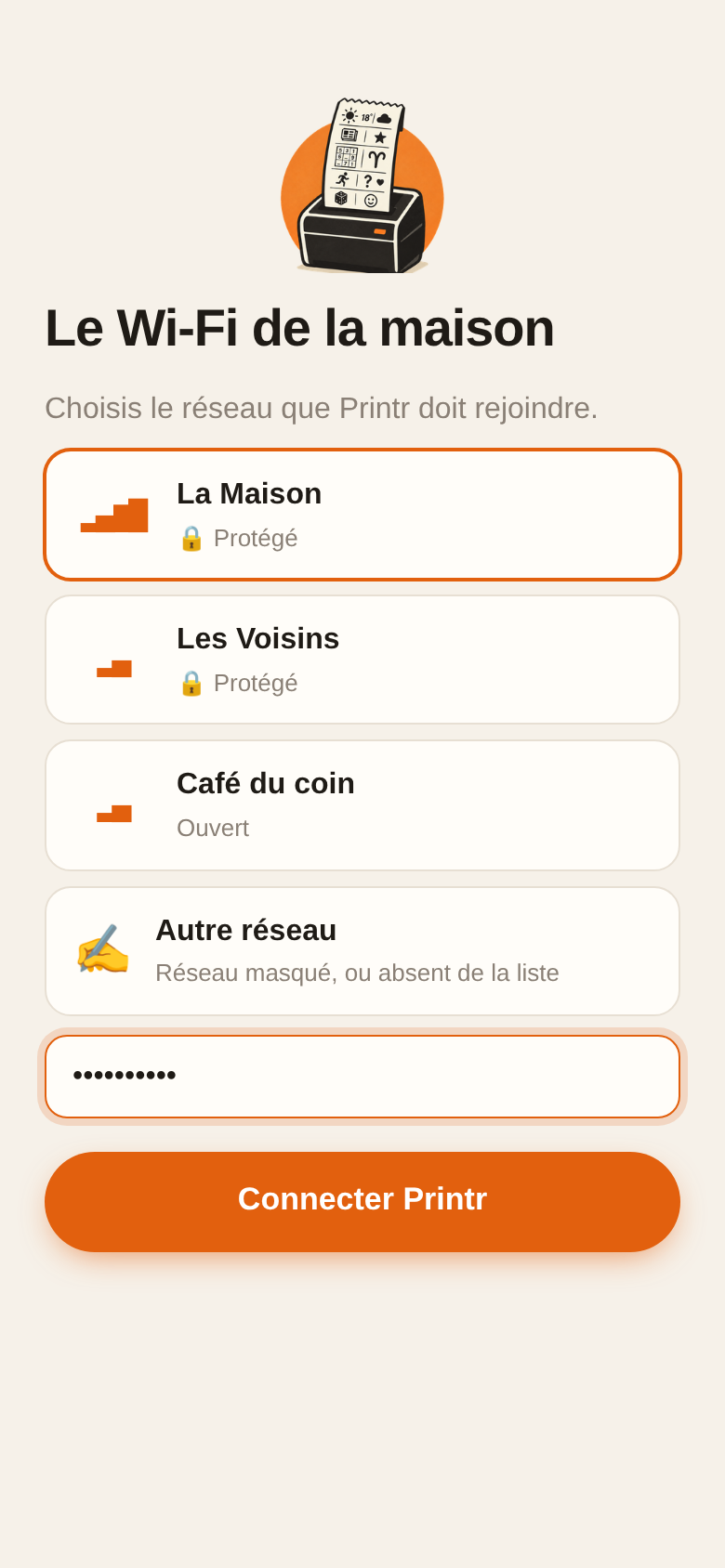
Pas de réseau ? Printr ouvre son propre Wi-Fi et imprime un ticket avec deux QR codes. On s'y connecte, on choisit le Wi-Fi de la maison depuis le téléphone, et un second ticket donne l'adresse de l'appli.
No network? Printr opens its own Wi-Fi and prints a ticket with two QR codes. Join it, pick the home Wi-Fi from your phone, and a second ticket gives the app's address.
http://printr.local
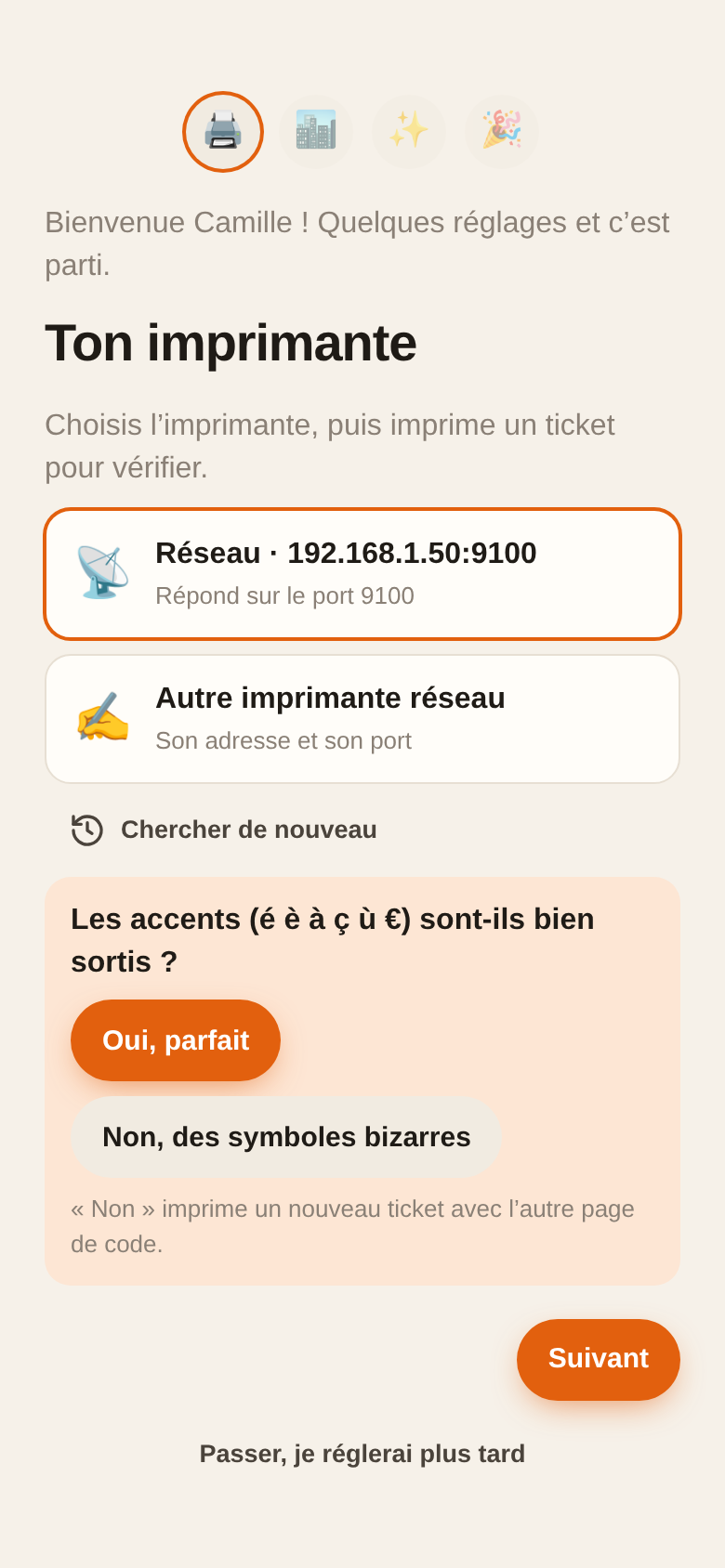
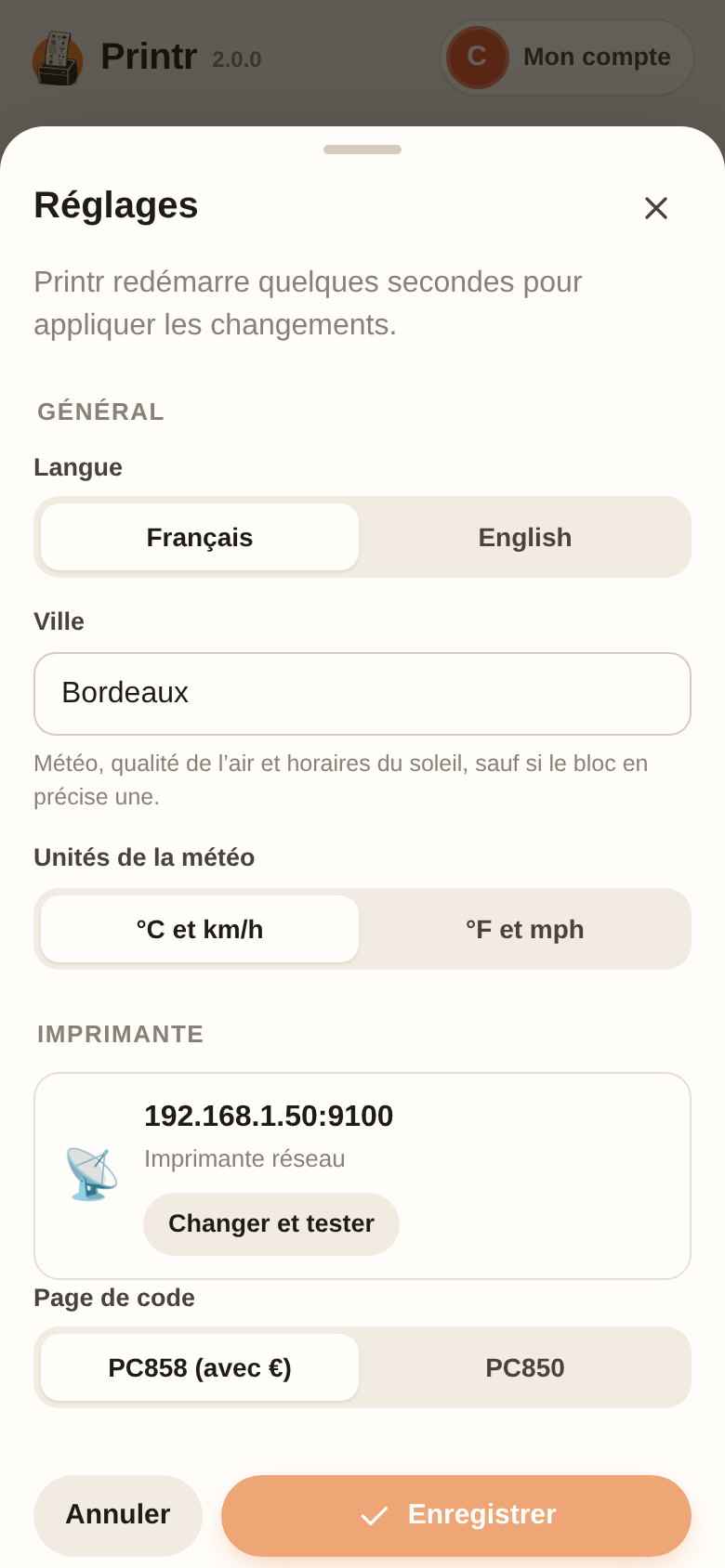
Le premier compte, puis l'assistant : il trouve l'imprimante, vérifie les accents sur un ticket de test, demande la ville et, si on veut, une clé Claude. La suite se règle dans l'appli, et la famille s'ajoute depuis « Mon compte ».
The first account, then the wizard: it finds the printer, checks the accents on a test ticket, asks for the city and, if you like, a Claude key. Everything else is set in the app, and the family joins from “My account”.


Déjà un Raspberry Pi ou un serveur Linux en service ? Une commande télécharge la dernière version, vérifie sa signature et installe le service ; l'assistant fait le reste dans le navigateur.
Already have a Raspberry Pi or a Linux server running? One command downloads the latest version, checks its signature and installs the service; the wizard does the rest in the browser.
curl -fsSL https://xninety9.github.io/Printr/install.sh | bash